Social media client onboarding questionnaire: 6 sections, 18 questions
The questions to ask before your first post, built for freelancers with small local clients. Short enough that owners actually finish it.
A social media client onboarding questionnaire should cover 6 things: business basics, goals, customers, voice and content, upcoming offers, and approvals and access. Keep it to about 20 questions so a busy owner actually finishes it. Send it the day they sign, before the kickoff call, and never ask for passwords in the form.
Why onboarding decides whether clients stay
Most clients don’t quit because of one bad post. They quit because the first month felt off: the voice was wrong, a promo was missed, posts sat waiting for approval. A short questionnaire prevents all three before you post anything.
Most templates online are built for agencies with big clients, running 37 questions. A salon owner won’t answer 37 questions. These are written for small local businesses and freelancers.
The 6 sections of a social media onboarding questionnaire
Here are 3 sample questions from each section:
Business basics
- What do you sell, and what’s your best seller?
- Who are your main local competitors?
- What makes customers choose you over them?
Goals
- What do you want more of in the next 90 days: bookings, calls, walk-ins or orders?
- How will we know it’s working? Pick 1–2 numbers.
- What has worked (or flopped) on social before?
Customers
- Describe your best customer in one sentence.
- What do they ask before they buy?
- Where do they live, and how do they find you now?
Voice and content
- 3 words that describe your brand voice?
- Any accounts you love (or hate) the look of?
- Topics, words or photos we should never post?
Offers and calendar
- Promos or events coming up in the next 3 months?
- Slow days or seasons we should fill?
- Do you want to run paid ads? If so, what budget?
Approvals and access
- Who approves posts, and how fast can they reply?
- How should we get access (business manager or partner access, not your password)?
- Where are your photos, logo and brand files?
Ask clients to add you through Meta Business Suite (business manager or partner access) instead of sharing logins. It’s safer for them, and you can be removed cleanly if you part ways.
When and how to send it
- The day they sign, together with the first invoice.
- As a simple form or doc: Google Forms, a Word doc or your onboarding tool. Anything they can fill in on a phone.
- Give a deadline: “Please fill this in by Thursday so we can start on the 1st.”
- Go over it on a 20-minute kickoff call. Ask follow-ups on anything vague.
- If they ghost, fill in what you can from the call and ask only the 3 missing questions by text.
Turn the answers into a 1-page client brief
Don’t leave the answers sitting in a form. Turn them into a one-page brief: goals, customer, voice, pillars, offers, do’s and don’ts, approval rules. Every calendar and caption starts from that page. If you use Claude, the client brief skill in our Claude Skills Pack turns answers into a brief in one step.
Then plan the first month and agree on the approval rules in your contract.
Get the full onboarding form
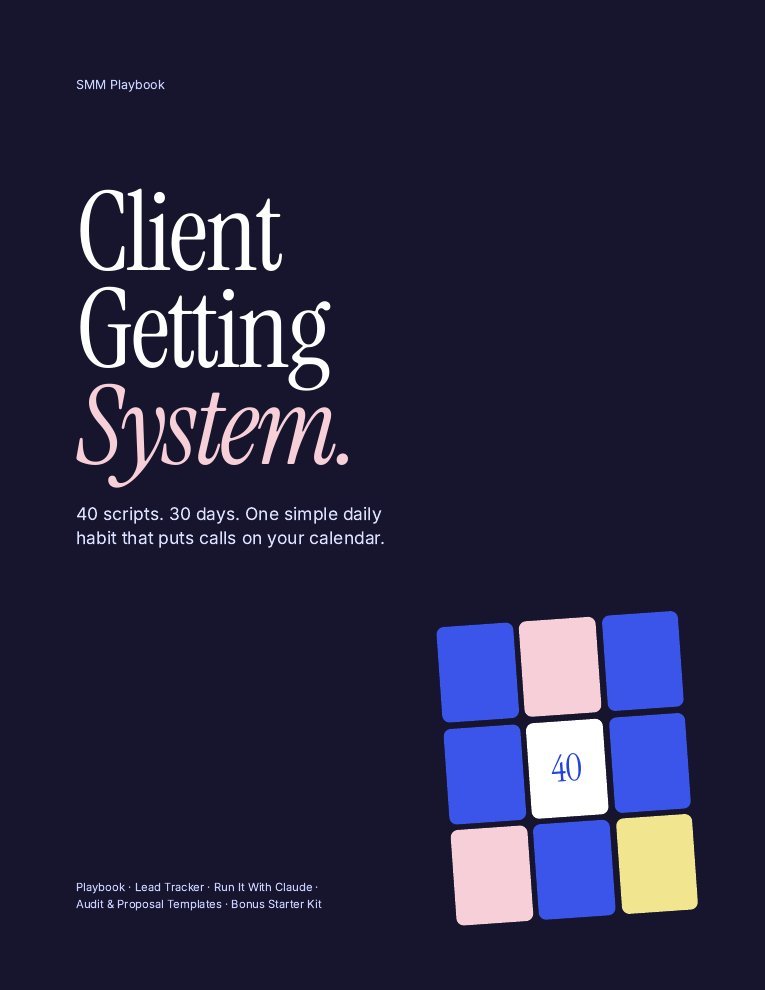
The Client Getting System includes the editable onboarding form, the contract and proposal that come before it, and everything to land the client in the first place.
- 40 copy-and-paste scripts (DM, email, walk-in, follow-ups, replies)
- Lead tracker that scores every business for you
- Free audit + proposal templates, call script
- Contract, onboarding form and pricing workbook
- Run It With Claude guide (Claude finds the leads)
One payment · Instant download · Works with free Claude
Onboarding mistakes to avoid
- Too many questions. Every extra question lowers the chance they finish.
- Asking for passwords. Use partner access.
- Starting before it’s done. Guessing the voice is how the first month goes wrong.
- No approval rules. Decide who approves and how fast, in writing.
- Never revisiting it. Re-check goals every 3 months.
FAQ
What questions should I ask a new social media client?
Cover 6 areas: business basics, goals, customers, voice and content, upcoming offers, and approvals and access. About 20 questions is enough for most small businesses.
How long should an onboarding questionnaire be?
Short enough to finish in 15 to 20 minutes, which is roughly 20 questions. Ask the rest on the kickoff call.
How do I get access to a client's social accounts safely?
Ask them to add you as a partner or team member through Meta Business Suite or the platform’s business tools, rather than sharing passwords.
Should onboarding be a form or a call?
Both. The form collects facts in writing, and a short kickoff call fills gaps and builds trust.
When should I send the onboarding questionnaire?
The day the client signs, with the first invoice and a deadline before your start date.
Keep reading
Sources
- Section structure based on the SMM Playbook client onboarding form (2026), written for freelance social media managers.
General information, not legal, tax or financial advice. Results depend on your effort and market. See our earnings disclaimer.